DESIGN SYSTEM / EXAMPLE
Theme playground
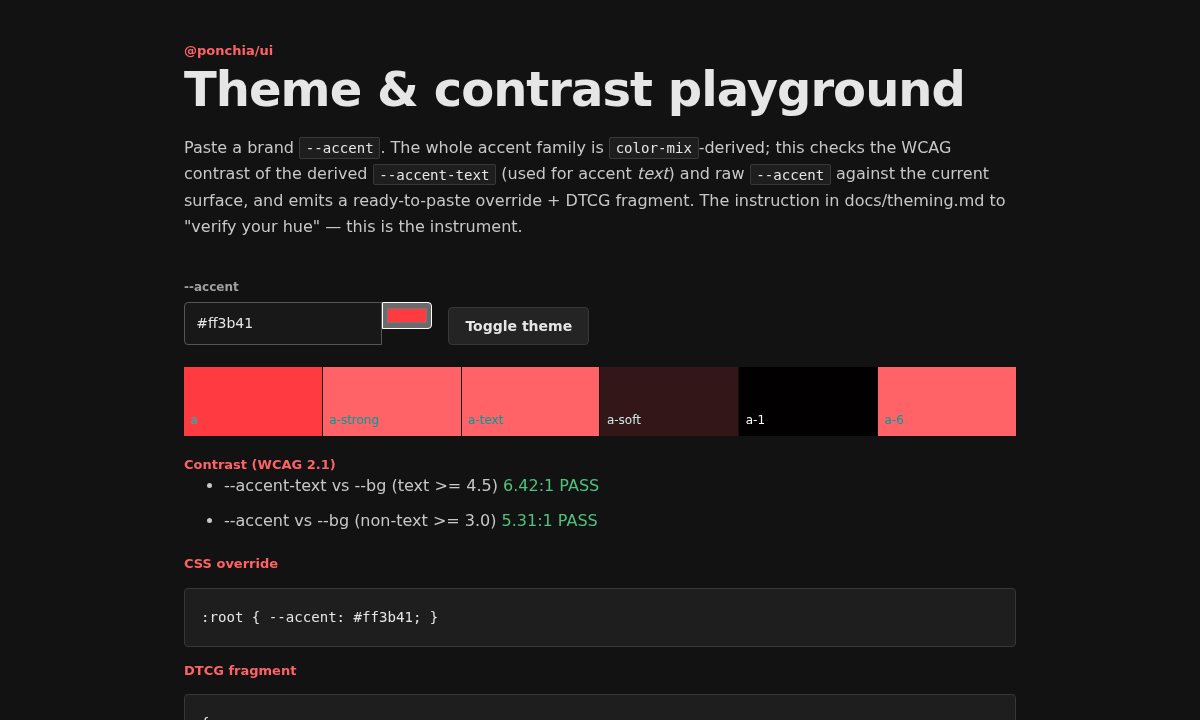
Bronto UI makes brand expression a deliberate input instead of a second set of components. The playground shows the actual color derivation and contrast ratios.
theming.bronto-ui.demoHTML + CSS
 Open the interactive Theme playground example
Change a token and understand what changes with it.
Change the accent, inspect generated color roles, and validate contrast without rebuilding your components.
- Single accent control
- Light and dark
- Contrast checks
READ THE SOURCE
Reuse the pattern, not the sample data.
A plain HTML page sets the accent token and computes contrast in a local script. The example shows how the Bronto UI theme tokens project into light, dark and accent surfaces.
Use the packed Vanilla Vite starter for a runnable npm-based project.